Posting, Upvoting, Following, Official Comments and Tickets from the community
Posting
- Navigate to the board you want to post on.
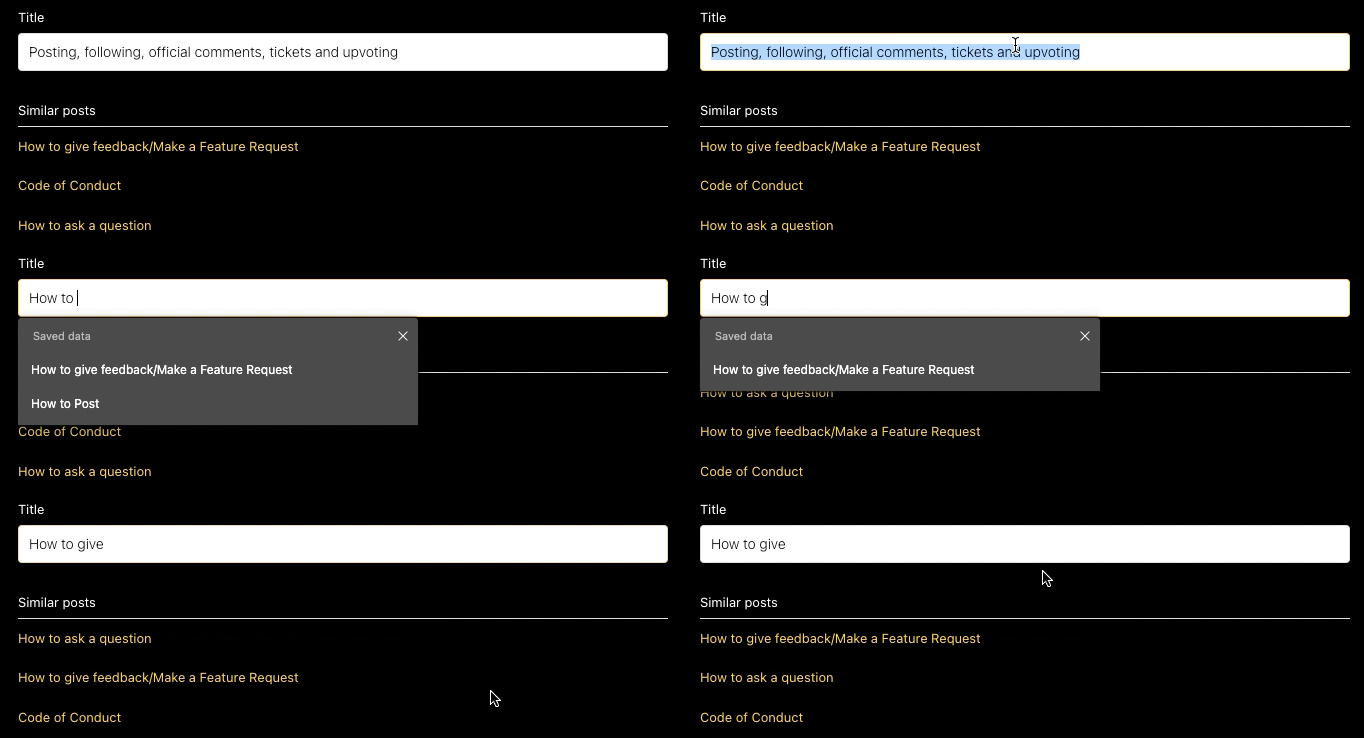
- Open the board; always check the existing posts to see if there's one similar to yours to upvote. You can use the search box on the right of the board or when you click the option to create a 'New post' after typing your title, 'Similar posts' will be suggested underneath.
- There is more power in an upvote than a fresh post, so be sure to check out the posts suggested.
Upvoting
What is the power of 1? Well, many 1s make a majority and the more upvotes a post gets, the more visibility it gets. We suggest having a look around the community boards and upvoting topics that interest you or features you want to see.
If you're experiencing a bug, you can also upvote similar issues to let us know that the problem isn't an individual one.
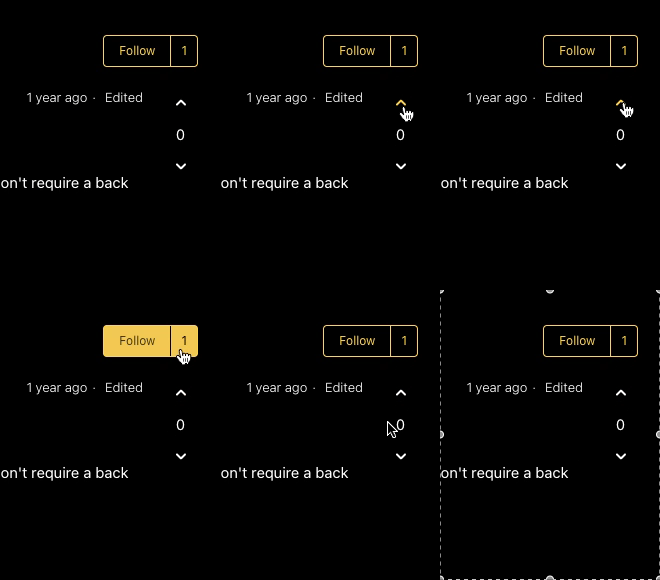
To upvote a post, simply click the up arrow to it's right.
Following
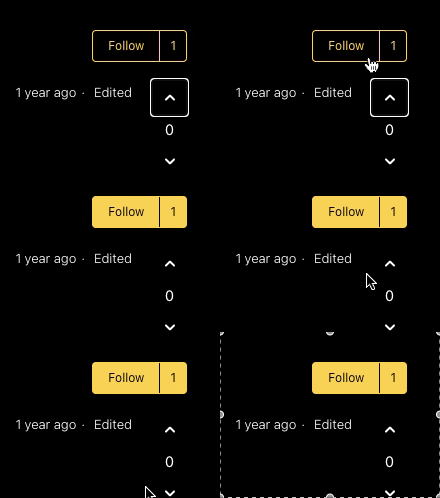
Following a post means that you'll get notified when anyone comments, upvotes or changes the status of a post to completed. To follow a post click on the follow button to the right.
Official Comments
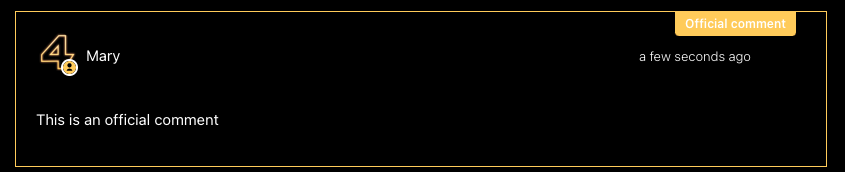
Official comments will be recognised by a yellow banner. This means a 4Poker representative has made the comment.
Tickets
Our moderators will create tickets from posts or comments that have received traction. We will create the ticket for the original poster but we may create additional tickets for commenters on the post to link to the main ticketed issue.
Please sign in to leave a comment.
Comments
0 comments